
The Automations Wall
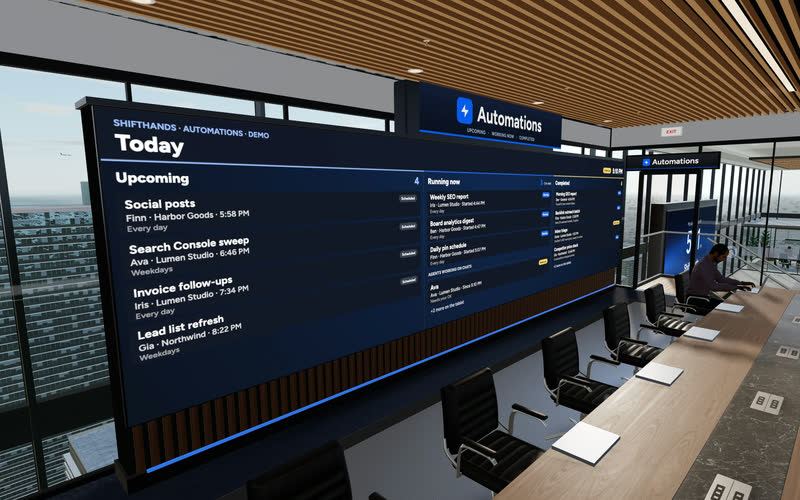
A big screen shows today’s Upcoming, Running now and Completed automations. Step up to the tablet to take a closer look at any run.
You can run AI agents on an Apple-silicon Mac mini using ShiftHands. The Mac mini runs your project agents and their tools, while you check progress, answer messages and review flagged commands from a browser, including your phone. The Mac must stay on with ShiftHands open while agents work.
Any Mac mini with Apple silicon works, including an older M1 model. No screen is needed once it’s set up.
M1 or newer, with 8 GB of RAM or more. Intel Mac minis aren’t supported yet.
Ventura or any newer version of macOS.
Free to download. It runs the agents and must stay open; it can sit in the menu bar. Download ShiftHands for Mac.
A Claude account via Claude Code, a ChatGPT account via Codex, or an API key for DeepSeek, GLM, Kimi or Qwen.
Agents reach your AI provider, and you reach your agents from other devices, over the internet.
A free, separate agent browser from Citro Labs, with its own terms. You don’t need it for chat, projects, automations or approvals.
Setup takes a few minutes. Do it on the Mac mini itself, or over Screen Sharing from another Mac.
Get the Apple-silicon app from the download page, open ShiftHands-arm64.dmg and drag ShiftHands into Applications.
Open ShiftHands and create your free account. If you already use ShiftHands on another Mac, sign in by entering the 6-digit code from that Mac.
Connect Claude or ChatGPT, or add an API key. Sign-ins stay on the Mac where you make them, so connect them on the Mac mini.
Agents live inside projects. Each agent keeps its own chat, history and model, which you pick from the chips under the message box.
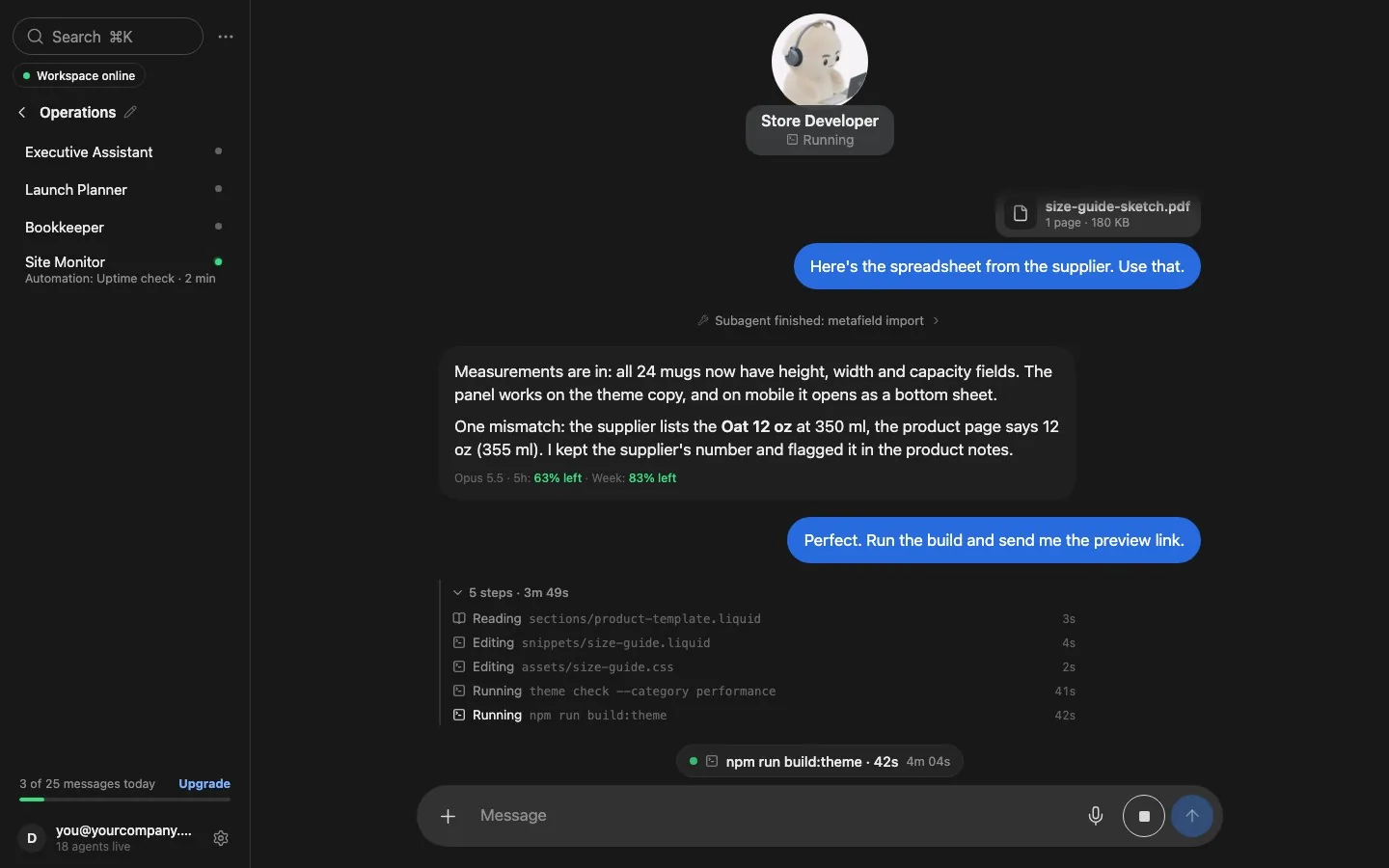
Type what you want done. The agent works on the Mac mini, and its chat shows each step as it happens.
If you have several Macs, open Settings → Your Macs on the Mac mini and choose Make this the host. Agents that are working finish their current step first.
Turning on Screen Sharing (System Settings → General → Sharing) lets you reach the Mac mini from your laptop later.
See it working
Click through the real app: project chats, live agent status, automations that report back, and a browser you can take over. On a Mac mini, all of this runs on the Mac while you watch from anywhere.
Recorded in the ShiftHands demo workspace.
Virtual Environment
Every ShiftHands plan, Free included, comes with the Virtual Environment: a 3D office in the app where your agents work at their desks, grouped by project. Walk over, pull up a chair, and watch your crew get it done.

A big screen shows today’s Upcoming, Running now and Completed automations. Step up to the tablet to take a closer look at any run.
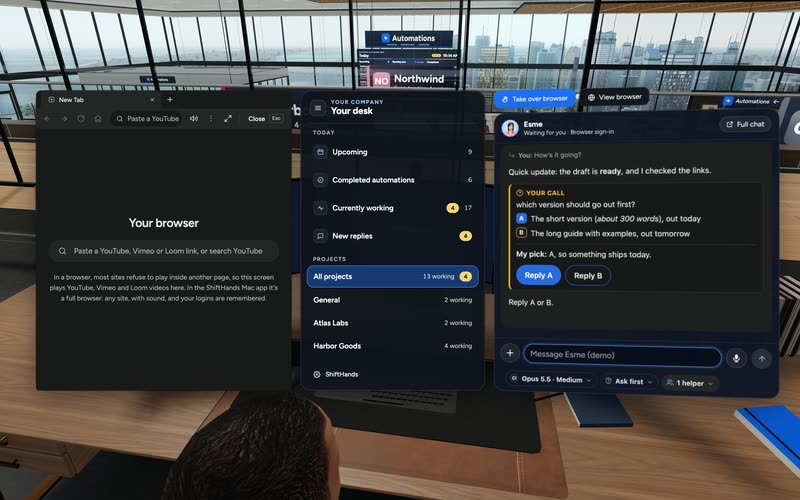
Sit down to see every project and every agent at a glance, and chat with anyone without leaving your chair.
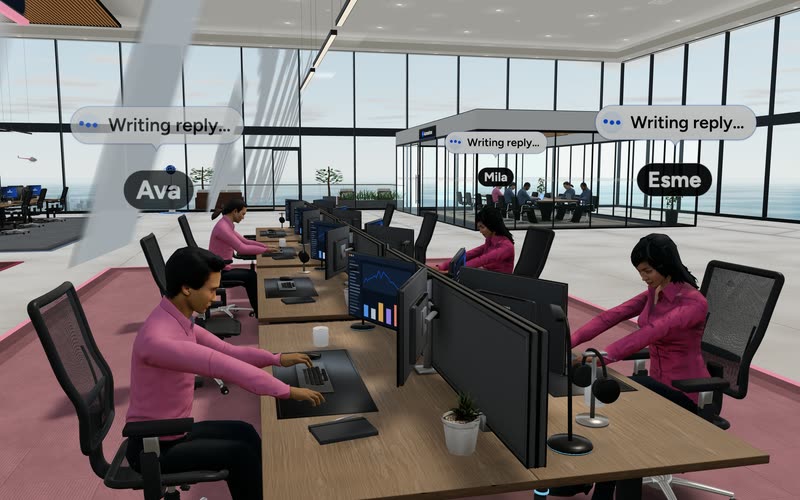
Every agent has a desk in its project area. Agents running an automation head to the Automations room. Walk up to any agent and chat.
Rendered in the ShiftHands demo workspace with made-up names. Open the Virtual Environment from the sidebar or from Chief of Staff in the app. Agents still run on your Mac and use your connected AI accounts.
Availability
A Mac mini that stays plugged in makes a good always-available host: automations run on time, even at night and while your laptop is closed. It still depends on the Mac being ready to work.
Typing away on your task. The chat shows each step as it happens.

Waiting on an approval or a quick hand in the browser.

Resting until the next message or scheduled automation.
Phone supervision
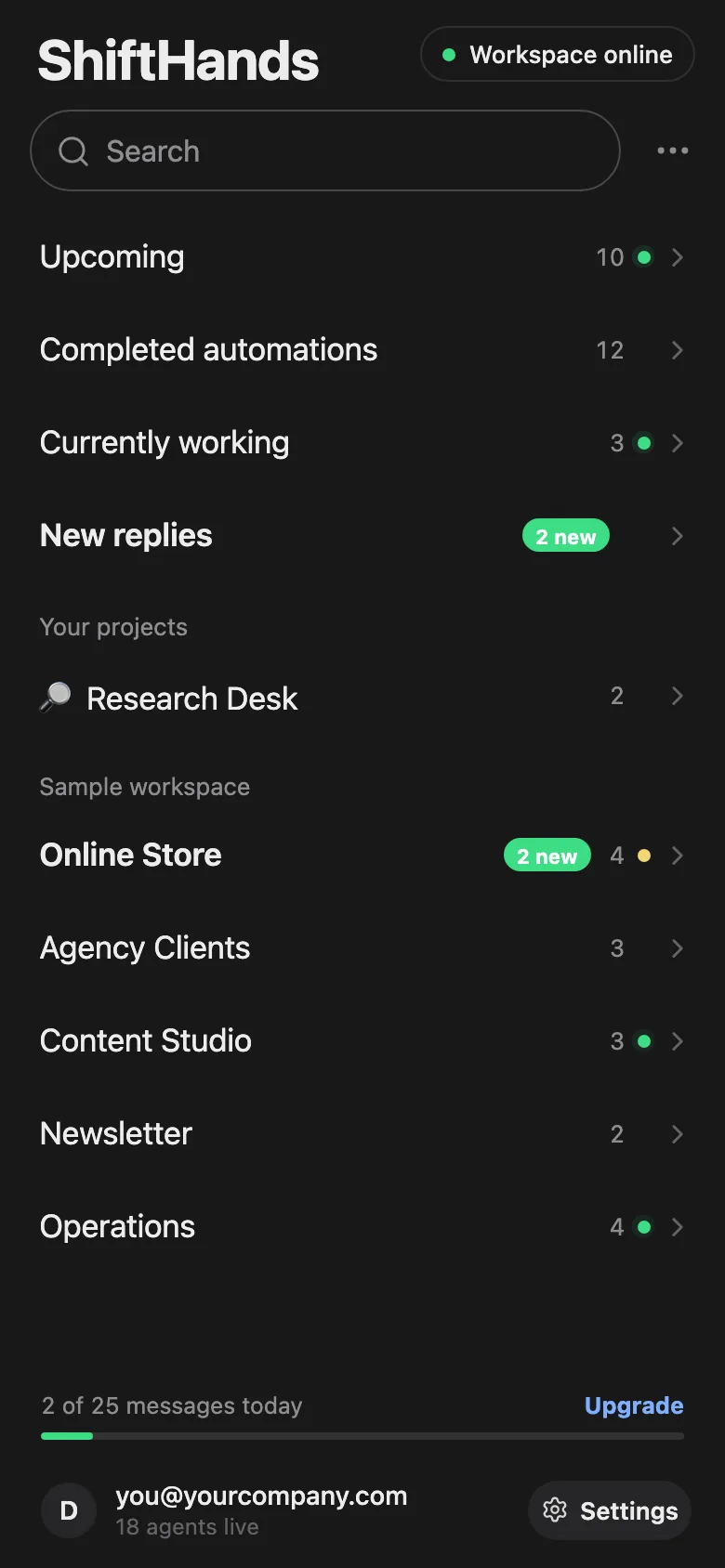
Open ShiftHands in your phone’s browser to see what the Mac mini is doing. There’s nothing to install. ShiftHands is not a native phone app, and the work still runs on the Mac.
Scheduled work
Tell an agent to do something on a schedule, and the Mac mini runs it on time. The automations view shows what is coming up, what is running and what has finished.
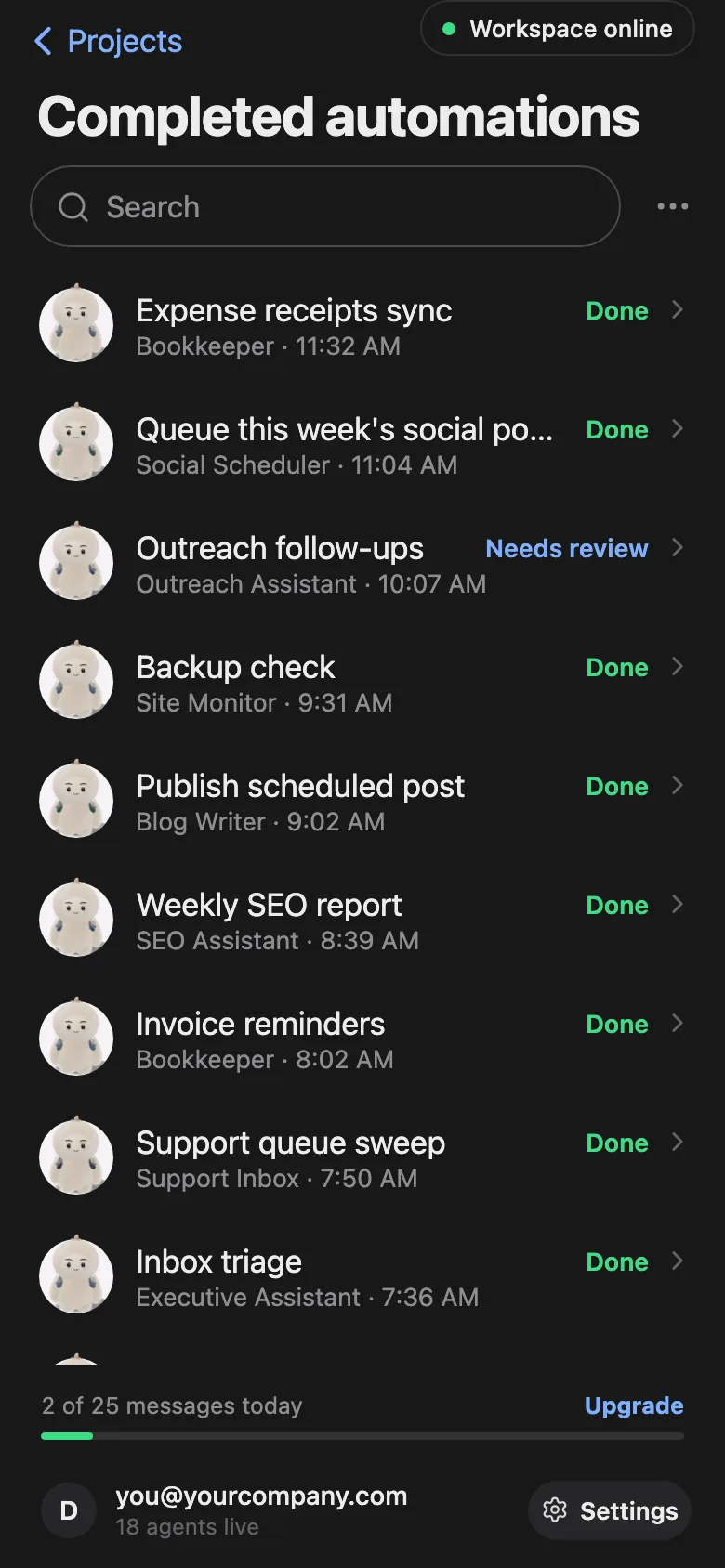
Examples from the ShiftHands demo workspace.
Want to set up recurring work instead of starting each task manually? Our guide to scheduling AI agent tasks shows how to configure daily and weekly automations, review results and handle approvals.
Prefer to see everything in one place? Read about the ShiftHands AI agent dashboard.
Approvals and browser
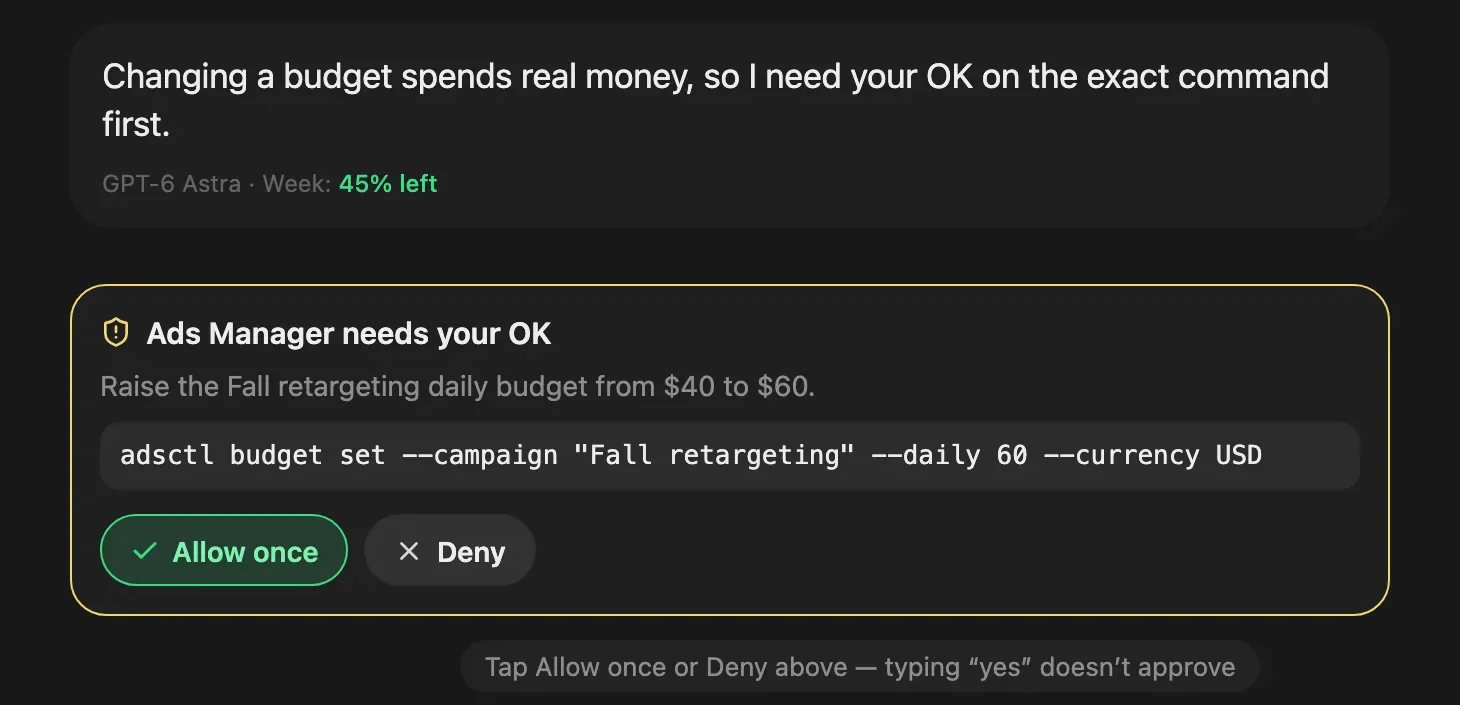
Some agent commands are flagged for your decision. ShiftHands shows each one as a plain-English request you can answer from anywhere.
Approval behaviour depends on each agent’s settings. Not every file change or send is gated, so check the settings for agents that can send or publish.
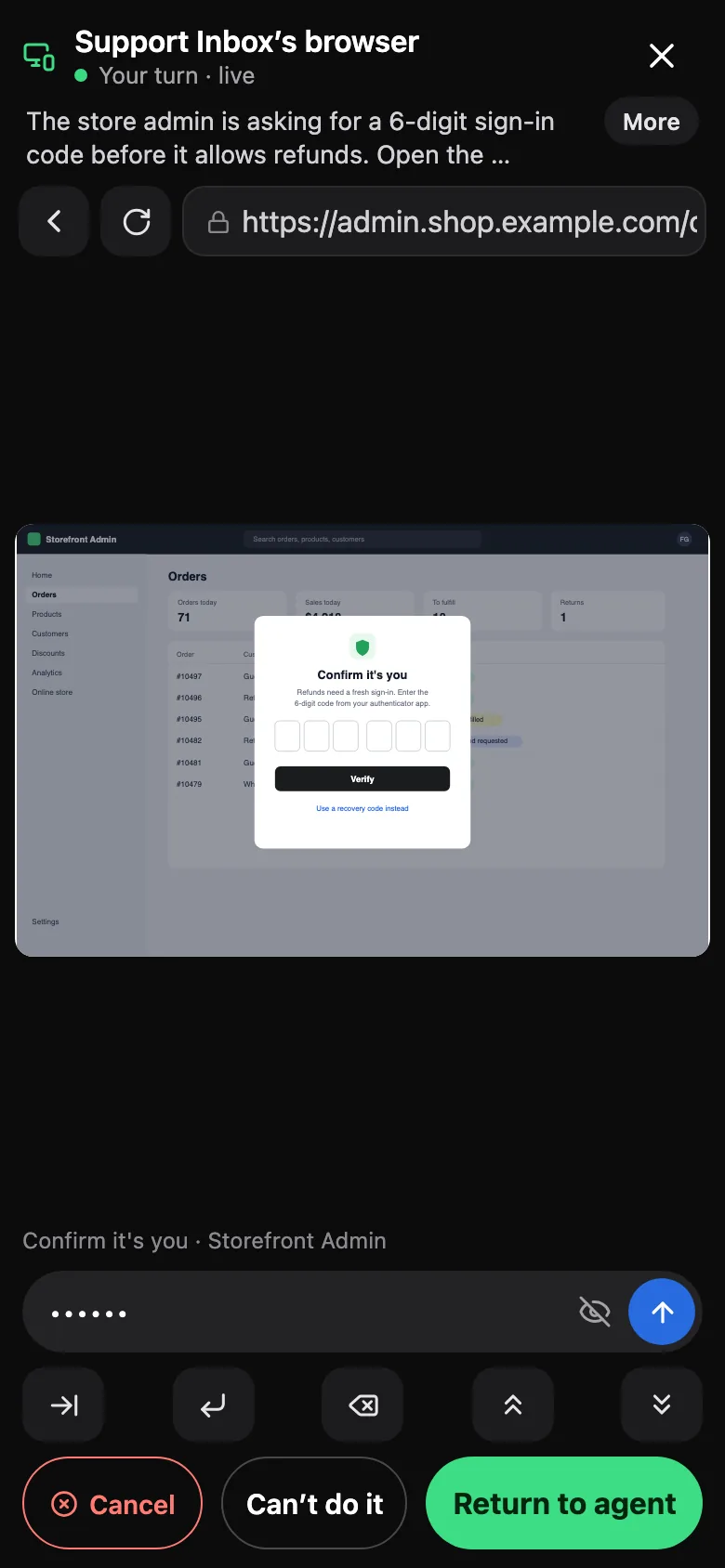
Browser control uses Ego Lite, a free, separate agent browser from Citro Labs with its own terms. It is macOS only for now. Get Ego Lite.
Agent teams
One Mac mini can run several agents across your projects. Hand one agent a big job and it can split the work across a team of helpers.
Example of a larger agent team in the ShiftHands demo workspace. Free supports subagent teams of up to 2; larger teams require Pro and remain subject to AI-provider limits and your Mac’s capacity.
Running an AI agent on a Mac mini is not the same as running an AI model on it. With ShiftHands, the Mac mini runs the agent software, its tools, browser work and schedules. The thinking still comes from the model you connect.
When you connect a Claude account, a ChatGPT account or an API key, those model requests go to that provider and are handled under its terms. Local agent execution does not automatically mean private, offline inference.
If you want a fully local stack, where the model itself runs on your hardware with no internet, that is a different setup with different hardware needs. This guide covers using a Mac mini as the agent host.
For many people, yes. It’s small, quiet and easy to leave plugged in. It isn’t the only option, though: any Apple-silicon Mac can run ShiftHands, including the laptop you already have.
A Mac mini makes sense if
Skip the Mac mini if
Any Mac mini with Apple silicon (M1 or newer), macOS 13 or later and 8 GB of RAM or more. Intel Mac minis aren’t supported yet. See where ShiftHands agents run.
Yes. Agents send requests to your AI provider over the internet, and you reach the Mac mini from your phone or other devices through ShiftHands.
Yes. Open ShiftHands in your phone’s browser to see status, read results, chat and approve flagged commands. It is not a native phone app, and the agents still run on the Mac mini.
Only while the Mac mini is on, awake and signed in, with ShiftHands open. ShiftHands keeps it awake while agents work. If it sleeps or goes offline, work pauses; missed scheduled work runs when it wakes.
No. The Mac mini runs the agents and their tools, while model requests go to the Claude account, ChatGPT account or API key you connect, under that provider’s terms.
Yes. Free costs $0 and includes 25 agent messages a day, 1 project, 3 agents and 2 daily automations. Pro is $49.99 a month or $499 a year. See ShiftHands pricing.
Commands an agent flags ask you to Allow once or Deny. Approval behaviour depends on each agent’s settings, so not every file change or send is gated.
As a viewer, yes: the web app works in any browser to monitor and chat. The agents themselves need an Apple-silicon Mac. A Windows app is on the way.
Download the Mac app, sign in with an AI account you already have, and start on the Free plan.
Check the hardware first: where ShiftHands agents run.
Screens come from the ShiftHands demo workspace with made-up names. Product names belong to their owners. Requirements, features and prices were checked on October 20, 2026 and can change.